Annotation
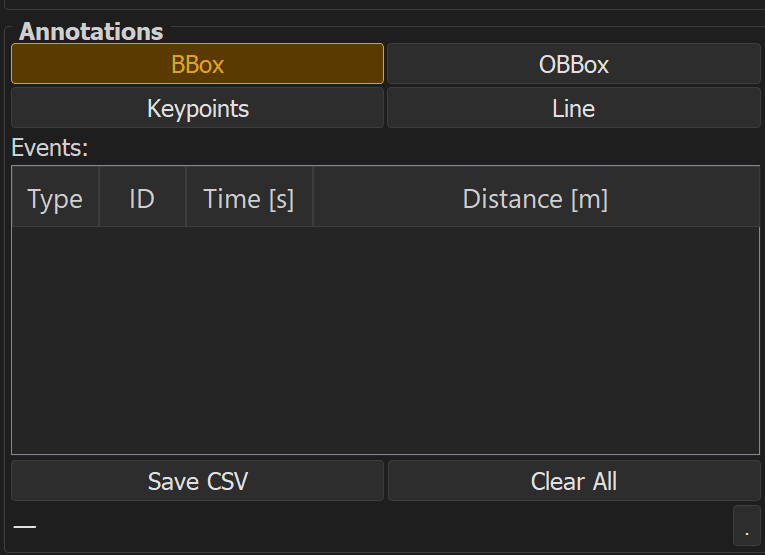
DASexplorer supports four annotation types, each suited to different detection or labeling tasks.
| Type | Use case | Docs |
|---|---|---|
| BBox | Axis-aligned bounding boxes (e.g. object detection) | BBox |
| OBBox | Oriented bounding boxes (e.g. angled events) | OBBox |
| Keypoints | Point-based labeling (e.g. call onsets) | Keypoints |
| Line | Line-based labeling (e.g. tracked trajectories) | Line |
General workflow
- Load a DAS file (see Reading profiles)
- Select the annotation tool from the toolbar
- Draw the annotation on the visualization
- Assign a class label
- Save annotations, or export to YOLO / COCO / Raven
Tip
Annotations are saved per session and can be reloaded later for review or correction.