Batch conversion
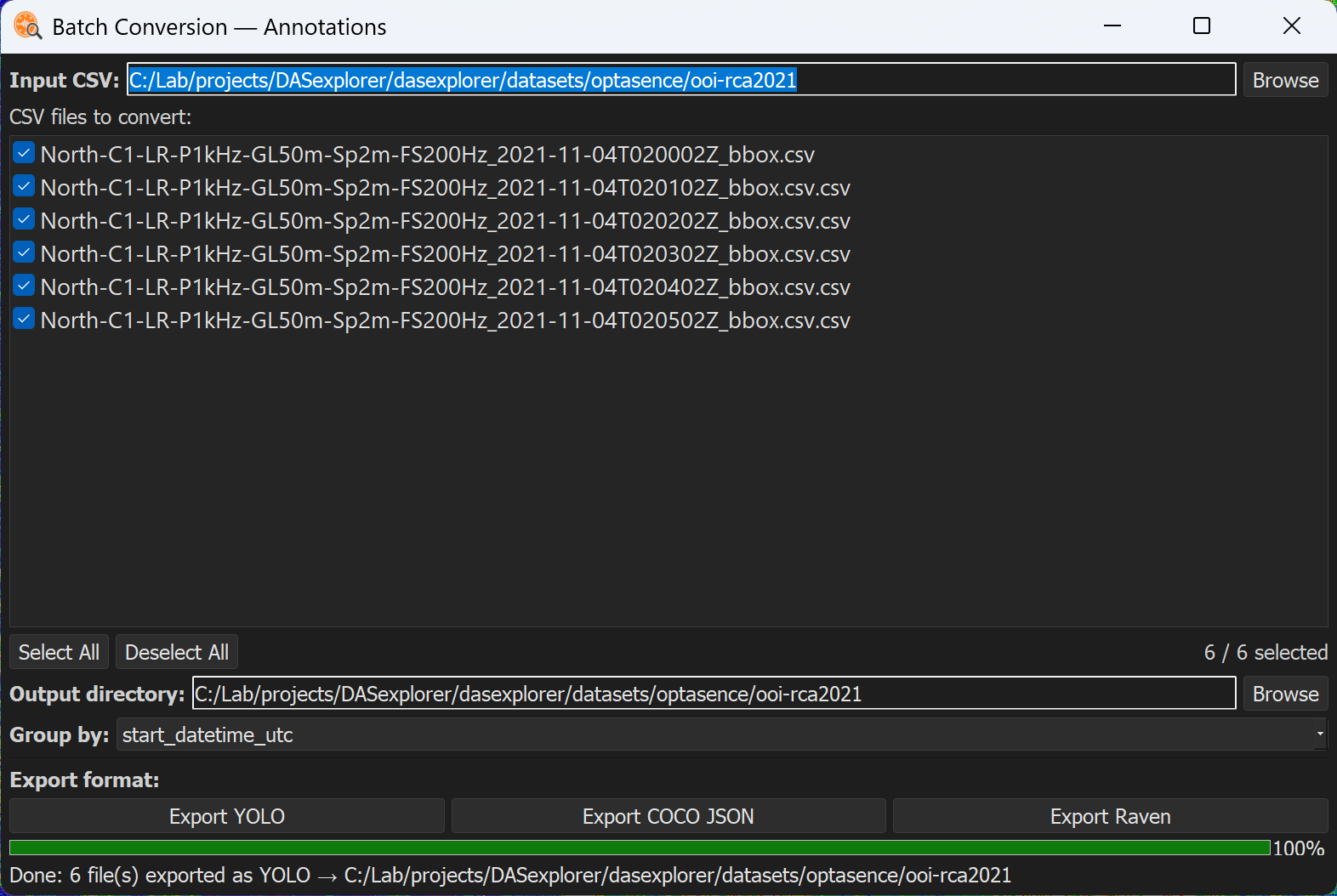
Once you have a set of annotations, you can convert them to common formats for training deep learning models and for bioacoustic analysis. Conversion tools are currently provided for YOLO, COCO JSON, and Raven formats.
Converting annotations
Go to Conversion > Batch Conversion > Annotations to open a tool that converts a whole set of annotations at once.
Converting data
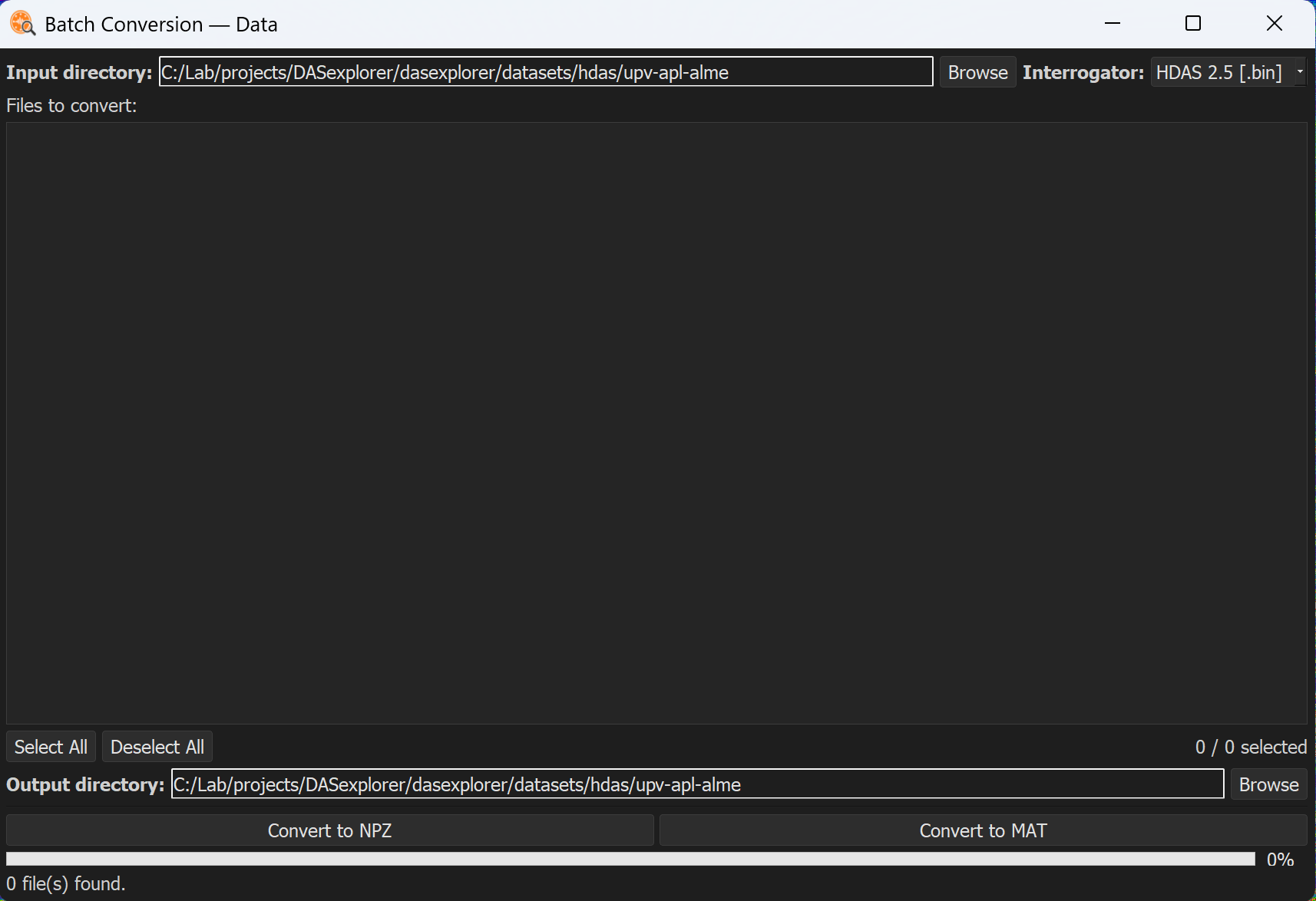
Go to Conversion > Batch Conversion > Data to convert an entire directory of DAS data files to NPZ or MAT, provided you have the read profile needed to load them (see Built-in reading profiles).